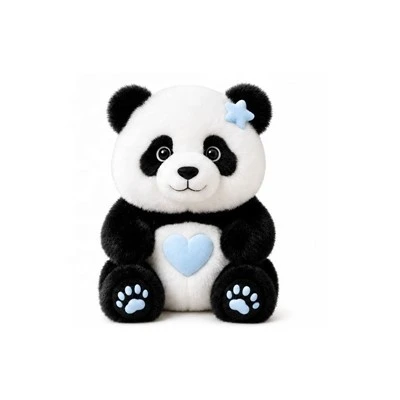
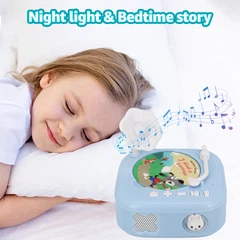

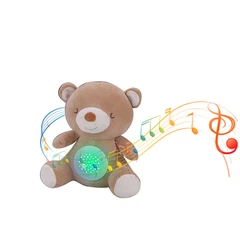
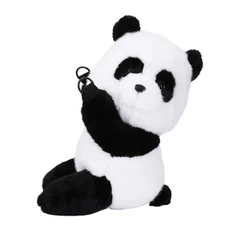
This is our XDT brand AI Panda plush toys can support 60 languages to communication .
In today's market, very few AI modules support 60 languages. Our AI Panda Plush Toy stands out with this unique feature, making it accessible to a global audience. Made from high-quality, anti-shedding Simi plush material, it's incredibly soft and smooth to hug. Let's take a look at how to use our AI toy!

1. Download"Smart Life"APP
If you are use iPhone : In  download
If you are use Android: In  download
2. Register an account.
3. Open the Bluetooth, Connect to WIFI .
(If the wifi signal is poor, it will affect the usage)If the system prompts to open the location, you should also agree.
4. Enter the interface and add the device in the upper right corner


After the connection is successful, you can choose the language you want to have a conversation. When asking questions to the AI toy, you need to hold down the button on the bear's right hand to start asking questions. After asking, release the button .
If you want use other languages, you can Create them in "Create Character".
It is more appropriate to turn up the volume to 100% when using the product.


5. If the product connection fails multiple times, you can continue press 5 times of the "reset button" . After seeing the blue light flashing and hearing the prompt sound, you can add the device again for connection.

The AI Panda Plush Toy is not just a toy; it's a companion that learns and grows with you. Follow this guide to ensure a smooth operation and enjoy countless hours of fun and learning with your new friend!
For more information, visit our website or contact our customer support team. Thank you for choosing the AI Panda Plush Toy!