How to Customize a Children's Projector Toy: A 5-Step Guide
Creating a one-of-a-kind children's projector toy allows you to blend creativity, education, and personalization. Whether for your brand, your child, or a gift, here's how to design a fully customized projector toy in five easy steps-perfect for those looking to stand out in the world of educational toys and interactive storytelling products.
Step 1: Choose Your Favorite Shape
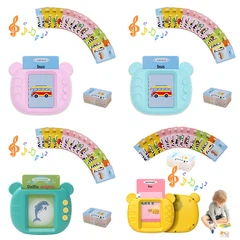
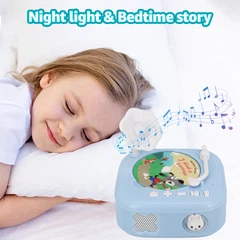
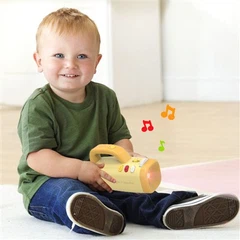
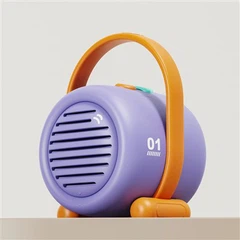
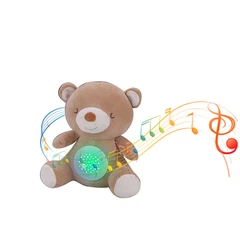
The first step is selecting the outer shape of your projector toy. You can choose from our existing models or share your own design concept.
For you choose
Choose the plan that suits you best.

Children's Projector Toys
Supports both manual and automatic playback modes

Children's Projector Toys
Supports automatic playback modes

Children's Projector Toys
Supports both manual and automatic playback modes

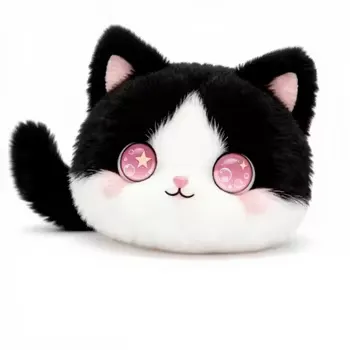
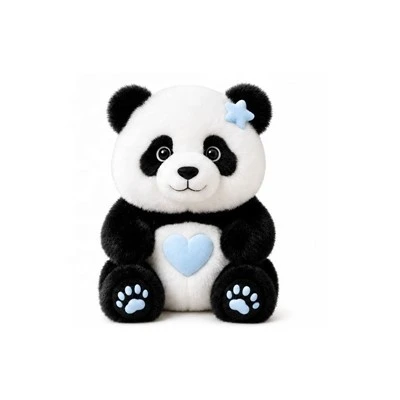
ODM your shape
Accept customize your children's projector toys shape
Step 2: Pick Custom Colors (Pantone Codes)
Add personality to your toy with custom colors based on official Pantone standards. Here are some popular options:
- PANTONE 151 C – Vibrant orange (energetic & fun)
- PANTONE 1767 C – Soft pink (sweet & friendly)
- PANTONE 297 C – Sky blue (calming & imaginative)
- PANTONE 2572 C – Light purple (magical feel)
- PANTONE 7527 C – Beige (neutral & warm)
Please provide your selected Pantone color code during the design process. We will match it precisely in production.

Step 3: Create Your Own Film Slides (Get Template Files)
The heart of a story projector toy lies in its film slides-clear circular slides that project themed visuals. You can fully customize each slide's artwork!
Popular themes:
- Fairy Tales
- Space & Stars
- Jungle or Forest Adventures
- Animals (Farm, Ocean, Dinosaur, etc.)
- Food and Daily Life

How to customize:
- Contact us to request film slide templates (AI/PSD format)
- Design each slide based on the theme (usually 1 theme per slide)
- Submit high-resolution artwork as PDF or PNG
Each projector toy supports up to 8 rotating slides. Our team can help review designs if needed.

Step 4: Add Your Own Audio Files (MP3 Format)
Pairing sound with visuals turns the toy into a full interactive educational experience. You can upload your own:
- Story Narrations (voice-over fairy tales, bedtime stories)
- Background Music or Soundscapes
- Interactive Prompts or Greetings
Audio Requirements:
- Format: MP3
- Bitrate: ≥128 kbps
- Suggested Length: ≤5 min per file, ≤30 minutes total
Please upload via cloud link or email attachment. Our team will integrate the audio into your toy's system.

Step 5: Design Your Custom Packaging (Get Template)
A great product deserves great packaging. We offer a variety of styles including:
- Slide-out gift boxes
- Magnetic flip boxes
- Eco-friendly kraft boxes with custom inserts
What to do:
- Contact us for the packaging design template (AI/PSD/CDR)
- Add your brand logo, illustrations, and product details
- Send back the design files for mockup and final production
We support additional features like foil stamping, embossed logos, custom-shaped windows, and more.

Let's Bring Your Custom Projector Toy to Life!
With these five simple steps, your unique children's projector toy is just a few clicks away. Whether you're developing your own educational toy brand or creating the perfect gift, our expert team is here to help from concept to final shipment.
Contact Us to Get Started:
Design with love, build with purpose - let your imagination shine through every projection.